Free Online PDF to Image Converter – No Upload Required
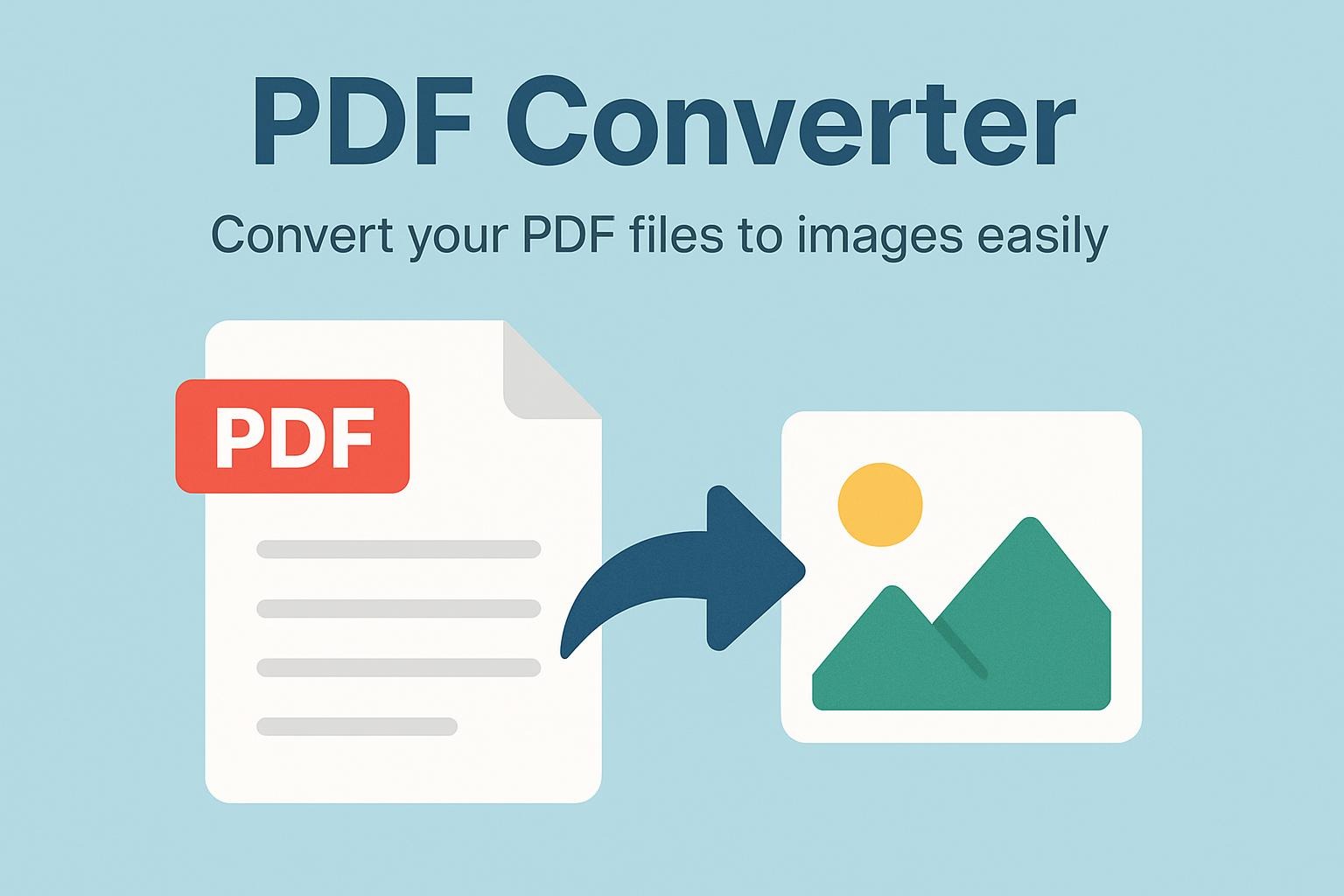
Converting PDF files to images has never been easier. Whether you need to extract pages from a PDF document for a presentation, share specific pages on social media, or simply want to convert your PDFs to a more accessible image format, our free online PDF converter tool has you covered.
Why Convert PDFs to Images?
There are many situations where converting PDF pages to images makes sense:
- Social Media Sharing: Images are easier to share on platforms like Instagram, Twitter, and Facebook
- Presentations: Extract specific pages to use in PowerPoint or Google Slides
- Email Attachments: Images are often smaller and more universally viewable than PDFs
- Web Publishing: Display PDF content on websites without requiring PDF readers
- Quick Previews: Create thumbnails or preview images of PDF documents
- Compatibility: Some devices and applications handle images better than PDFs
How to Use This PDF Converter
Using our converter is incredibly simple and requires no technical knowledge:
Step 1: Upload Your PDF
Click on the upload area or simply drag and drop your PDF file. The tool accepts PDF files up to 10MB in size, which is suitable for most documents.
Step 2: Choose Your Output Format
Select your preferred image format from three popular options:
- PNG – Best for graphics, screenshots, and images requiring transparency
- JPG – Ideal for photos and general use with smaller file sizes
- WEBP – Modern format with excellent compression and quality balance
Step 3: Convert and Download
Click the “Convert PDF” button and watch as each page is processed. The tool will automatically download each converted page as a separate image file. You’ll see a real-time progress bar showing the conversion status.
Key Features
🔒 Complete Privacy
Unlike many online converters, this tool works entirely in your browser. Your PDF files are never uploaded to any server, ensuring complete privacy and security for your sensitive documents.
⚡ Fast Processing
With client-side processing powered by PDF.js technology, conversions happen instantly without waiting for server uploads or downloads.
📱 Works on Any Device
Whether you’re on a desktop computer, laptop, tablet, or smartphone, the responsive design ensures a smooth experience across all devices.
💯 Unlimited Conversions
There are no limits on how many PDFs you can convert. Use the tool as many times as you need, completely free.
🎨 High-Quality Output
The converter uses high-resolution rendering to ensure your images maintain the quality and clarity of the original PDF.
Technical Advantages
This PDF converter leverages modern web technologies to provide a seamless experience:
- No Installation Required: Works directly in your web browser
- Cross-Platform: Compatible with Windows, Mac, Linux, iOS, and Android
- No File Size Restrictions: Convert PDFs with multiple pages
- Batch Processing: Automatically converts all pages in multi-page PDFs
- Modern Interface: Clean, intuitive design with drag-and-drop functionality
Privacy and Security
In an age where data privacy is paramount, our PDF converter stands out:
- Zero Server Upload: Files never leave your device
- No Data Collection: We don’t store or track your documents
- No Registration: Use the tool immediately without creating an account
- Safe Processing: All conversion happens locally in your browser
Tips for Best Results
To get the most out of this PDF converter:
- Choose the Right Format: Use PNG for documents with text and graphics, JPG for photo-heavy PDFs, and WEBP for the best balance
- Check File Size: While the tool supports up to 10MB, smaller files convert faster
- Allow Downloads: Make sure your browser allows multiple file downloads
- High-Quality PDFs: Better source PDFs produce better image quality
Common Use Cases
This tool is perfect for:
- Students: Converting lecture notes or textbook pages for easier studying
- Professionals: Extracting charts and graphs from reports for presentations
- Designers: Converting PDF mockups to images for client presentations
- Marketers: Creating social media content from PDF materials
- Teachers: Preparing visual materials from PDF resources
- Bloggers: Converting PDF content into embeddable images
Browser Compatibility
This PDF converter works on all modern browsers including:
- Google Chrome
- Mozilla Firefox
- Microsoft Edge
- Safari
- Opera
- Brave
Frequently Asked Questions
Q: Is there a limit to how many pages I can convert? A: No, you can convert PDFs with any number of pages. Each page will be saved as a separate image file.
Q: What happens to my files after conversion? A: Nothing! Your files are processed entirely in your browser and are never uploaded anywhere.
Q: Can I convert password-protected PDFs? A: Currently, the tool works best with unprotected PDF files.
Q: Why are my images downloading automatically? A: The converter automatically downloads each converted page. Make sure to allow multiple downloads in your browser settings.
Conclusion
This free, browser-based PDF to image converter offers a fast, secure, and convenient solution for anyone needing to convert PDF documents into image formats. With no uploads, no registration, and unlimited use, it’s the perfect tool to bookmark for whenever you need quick PDF conversion.
Try it now and experience the easiest way to convert your PDF files to high-quality images!
📄 PDF Converter
Convert your PDF files to images easily
0 responses to “📄 PDF Converter”