
🔐 Password Generator
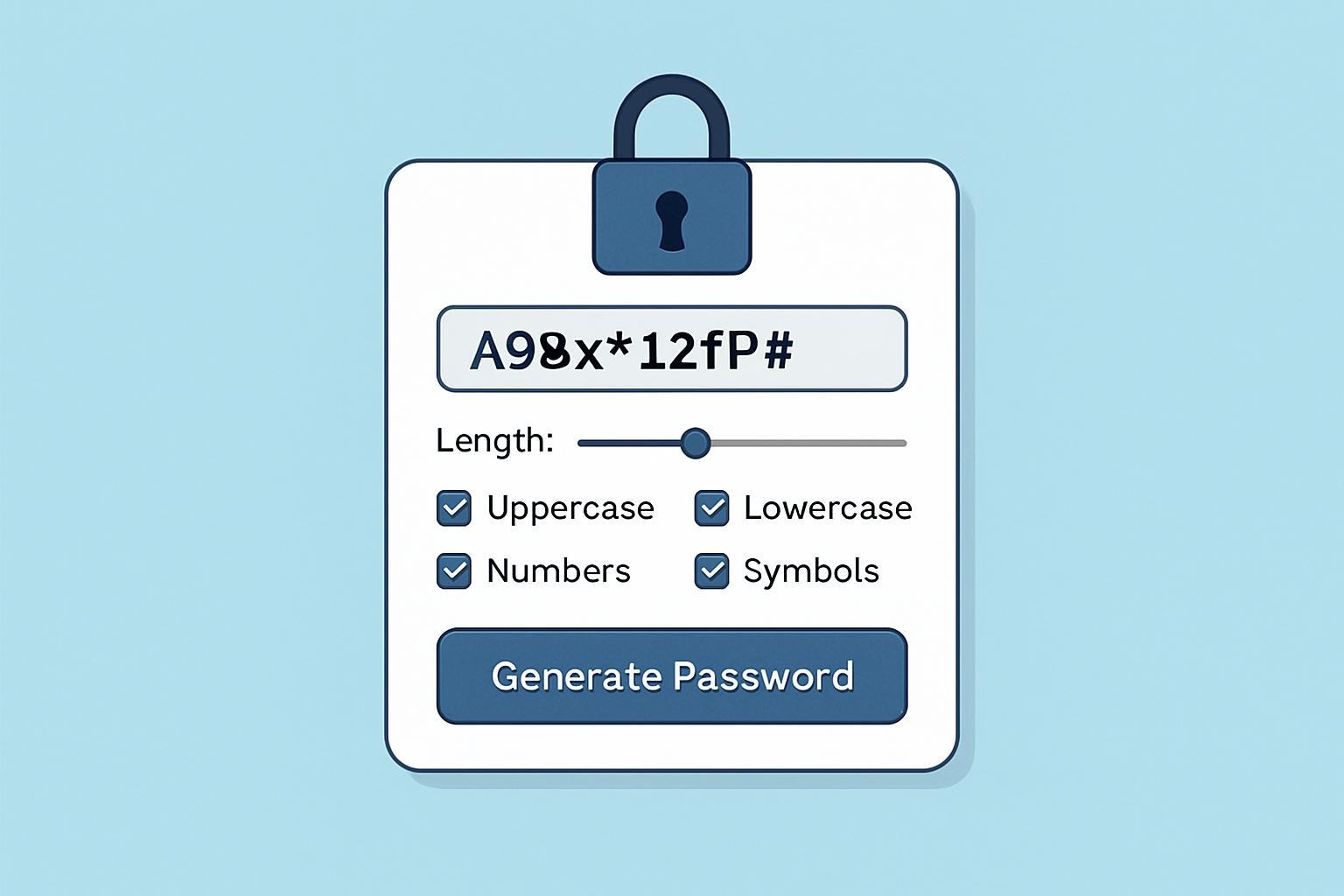
Generate secure, random passwords with customizable length and character sets. Create strong passwords to protect your accounts and improve your online security.
🔐 Password Generator
Generate secure, random passwords instantly
Click “Generate Password”
Password Strength
No password generated
Recent Passwords
Generated passwords will appear here
About Password Generator
Our free password generator creates cryptographically secure passwords using a combination of uppercase letters, lowercase letters, numbers, and symbols. Strong passwords are essential for protecting your online accounts from hackers and data breaches.
How to Use
- Set your desired password length using the slider (4-50 characters)
- Choose which character types to include (letters, numbers, symbols)
- Optionally exclude similar or ambiguous characters
- Click “Generate Password” to create a new secure password
- Copy the password and use it for your account
Password Security Tips
- Use long passwords: Aim for at least 12 characters, preferably 16 or more
- Include all character types: Mix uppercase, lowercase, numbers, and symbols
- Use unique passwords: Never reuse passwords across multiple accounts
- Consider a password manager: Store your passwords securely
- Enable 2FA: Add two-factor authentication when available
- Regular updates: Change passwords periodically, especially for sensitive accounts
What Makes a Strong Password?
A strong password has the following characteristics:
- Length: At least 12 characters long
- Complexity: Combination of uppercase letters, lowercase letters, numbers, and symbols
- Unpredictability: Doesn’t contain dictionary words, personal information, or common patterns
- Uniqueness: Different from passwords used on other accounts
Common Password Mistakes to Avoid
- Using personal information (names, birthdays, addresses)
- Using dictionary words or common phrases
- Simple patterns (123456, qwerty, password)
- Reusing passwords across multiple accounts
- Sharing passwords or writing them down in unsecure places
0 responses to “🔐 Password Generator”